Networks and MikroTik · Phuket
MikroTik setup in Phuket — a network you do not have to think about
We configure MikroTik routers for offices, cafes, restaurants, hotels and villas — from a single router to a network with several access points, VLANs and two internet providers.
- Guest Wi-Fi kept apart from your staff and POS terminals
- Internet stays up when one provider fails (with a second line)
- Remote access to the router for quick fixes
Why MikroTik, and why it needs proper setup
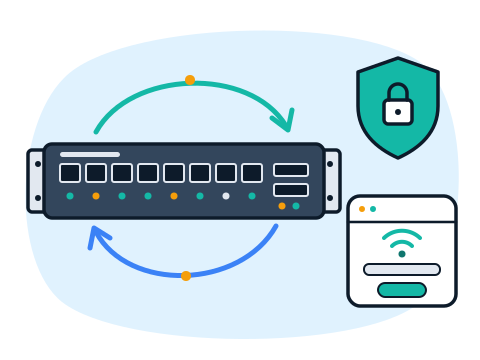
MikroTik routers are solid and good value, and they can do almost anything a business network needs. The catch is that out of the box they do very little — the value comes from the configuration, and a careless one leaves the network slow, unstable or open to the outside.
We set up the router for how you actually work. Guests get their own Wi-Fi with a login page, staff computers and POS terminals sit in a separate segment, cameras live in theirs, and if the main internet line drops, traffic switches to a second provider or a 4G/5G modem.
Does the internet keep cutting out, do some devices fail to connect, or is your speed far below what you pay for? We run diagnostics, find where the problem actually is — the provider, the router, the cabling or the Wi-Fi — and fix it.
What we do
-
Router Setup from Scratch
Internet connection, local network, addressing and Wi-Fi on a new or reset MikroTik.
-
Firewall and Protection
Rules that close the router to outside access and keep only the traffic you need.
-
Guest Hotspot
A login page for guests at hotels, cafes and coworking spaces, with speed and time limits.
- Your logo and terms on the login page
- Separate speed limits for guests
- With proper setup, guests cannot reach your internal devices
-
VLANs and Network Segments
Staff, guests, cameras and POS on separate networks over the same equipment.
-
VPN Between Locations
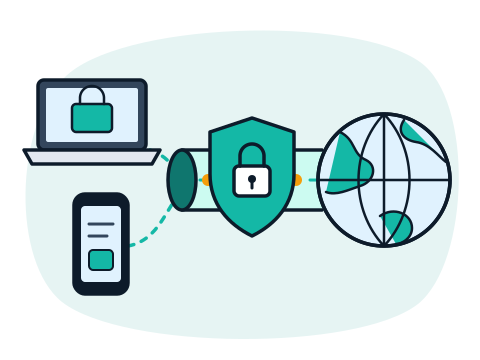
A secure link between an office, a shop and a villa, or access to the network while you travel.
-
Backup Internet
Automatic switch to a second provider or a 4G/5G modem when the main line fails.
-
Remote Access
Safe remote management of the router so settings can be changed without a site visit.
-
Diagnostics and Troubleshooting
Dropped connections, slow speed, devices that will not connect — we find the cause and fix it.
Who it's for
-
Offices
Stable internet for the team, separate access for visitors and secure remote work.
-
Cafes and Restaurants
Guest Wi-Fi with a login page, while POS terminals and receipt printers stay on their own network.
-
Hotels and Guesthouses
A hotspot for guests, a separate network for reception and staff, and cameras on their own segment.
-
Villas and Homes
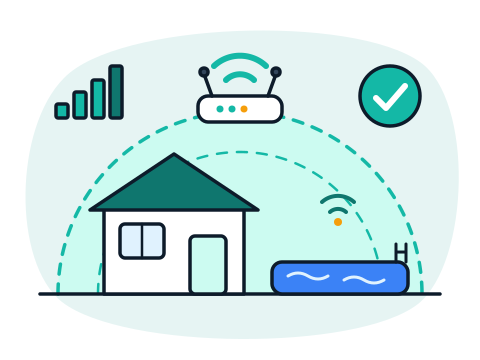
Good coverage for the whole property, a backup line and access to the network while you are away.
How we work
-
You Message Us
A few words about the task, the place and the deadline — on WhatsApp, Telegram or by email.
-
We Review the Task
We ask the right questions and, if needed, come on site to see the property or the current setup. In Phuket this visit is free.
-
Plan and Estimate
You get a clear list of work and equipment and the price before anything starts.
-
We Do the Work
Installation and setup, a check that everything works, and a short walkthrough for you or your staff.
-
We Stay in Touch
Questions after the job, changes and maintenance — remotely or on site.
Why work with us
-
One Team for All Your IT
Cameras, Wi-Fi, network, computers, servers, CRM and bots — no need to look for five different contractors.
-
Plain Language
We explain what we do and why, without jargon. You understand what you are paying for.
-
English and Russian
We speak your language — questions, estimates and instructions in English or Russian.
-
Neat, Documented Work
Tidy cabling, labeled equipment and passwords handed over to you — the system stays yours.
-
On Site and Remotely
We come to your property in Phuket and solve many tasks remotely, wherever you are in Thailand.
Frequently asked questions
We already have a MikroTik. Can you just fix the settings?
Yes. We review the current configuration, tell you what is wrong or risky, and correct it. Often there is no need to replace the equipment — the problems come from the setup.
What happens when the internet provider has an outage?
If you have a second line or a 4G/5G modem, we set up automatic failover. The router notices the main line is down, switches traffic to the backup and returns to the main line when it recovers.
Can guests on our Wi-Fi reach our computers or POS?
Not with proper setup. Guest Wi-Fi goes into a separate network that has internet access only and no access to your internal devices.
Can you set it up remotely?
In many cases, yes. If the router is reachable over the internet or someone on site can connect it for us, most settings can be done remotely for clients across Thailand. For a new installation or cabling we come on site in Phuket.
Do you help choose the equipment?
Yes. We suggest a router and access points for the size of the place, the number of users and the tasks, so you do not overpay for features you will not use.
Do you work outside Phuket?
On-site work is in Phuket; other cities in Thailand are possible by arrangement. Router configuration and diagnostics can usually be done remotely.
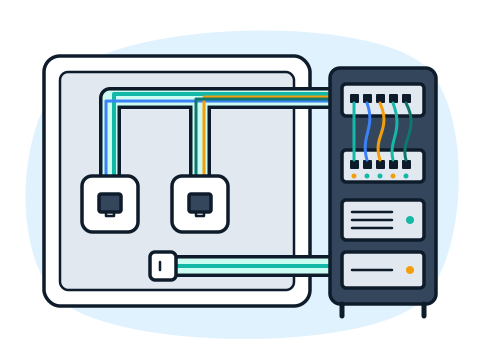
Tell us about your network
Write what kind of place it is, how many people and devices use the network, and what is not working or what you want to add. We reply with questions and suggest the next step.
Write to us
Message us on WhatsApp or Telegram, or send an email — we do not take phone calls. Describe the task in a few words and we will reply with questions and the next step.